
Free for every Cosentino's pharmacy · iPhone
Count a tray in two seconds.
Then double-check it in one.
Rx Counter uses your iPhone camera to count the pills on the tray. Everything runs on the phone — nothing leaves the store, no login, no setup.
iPhone running iOS 17 or later. About a minute to install through Apple's free TestFlight app.
How it works
Three taps. No tray change, no clicker.
-
1
Frame the tray
Open the app, hold the phone flat over the tray so the whole tray fills the square.
-
2
Tap the shutter
You get the number in big type, and a dot on every pill it counted. Rings mark the borderline ones — glance at those.
-
3
Confirm or fix
Off by one? Tap − or +. More than one tray? Add to Count keeps a running total. Share or save the photo if you want a record.
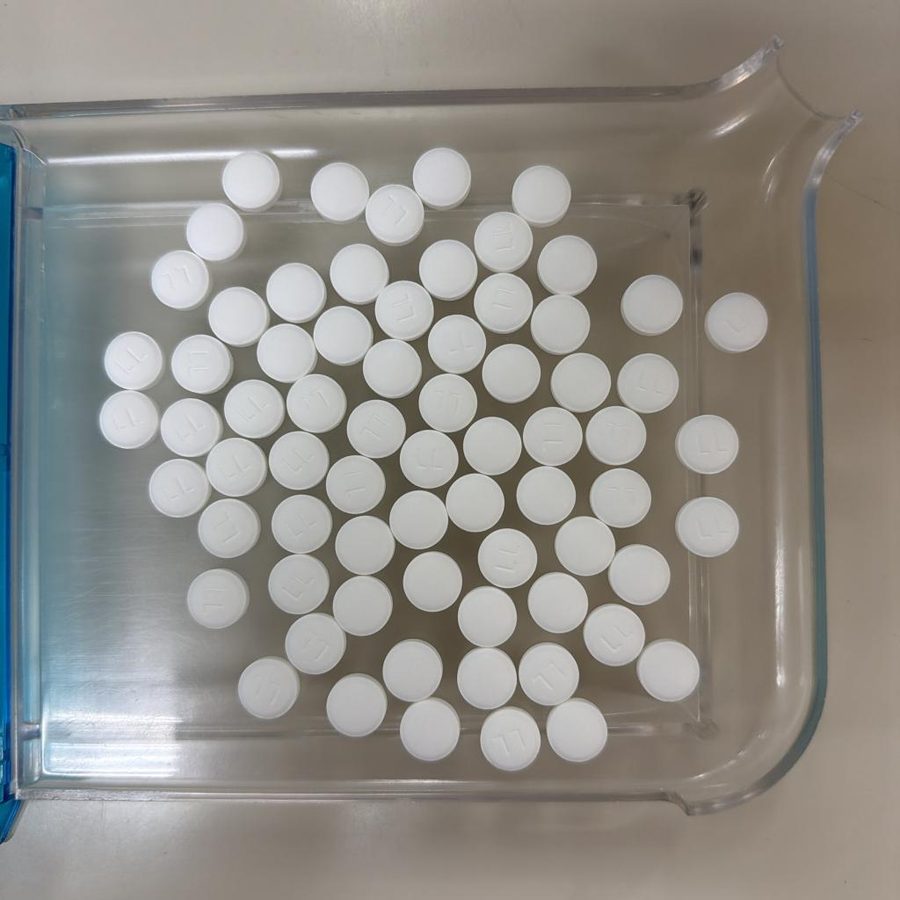
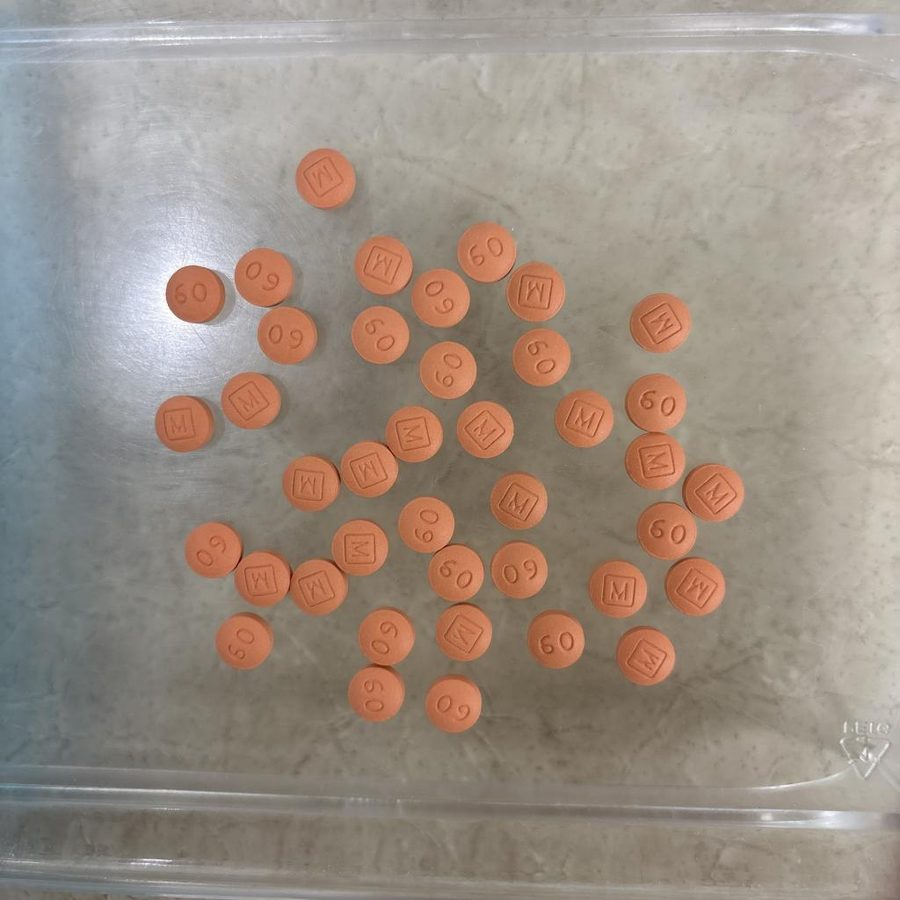
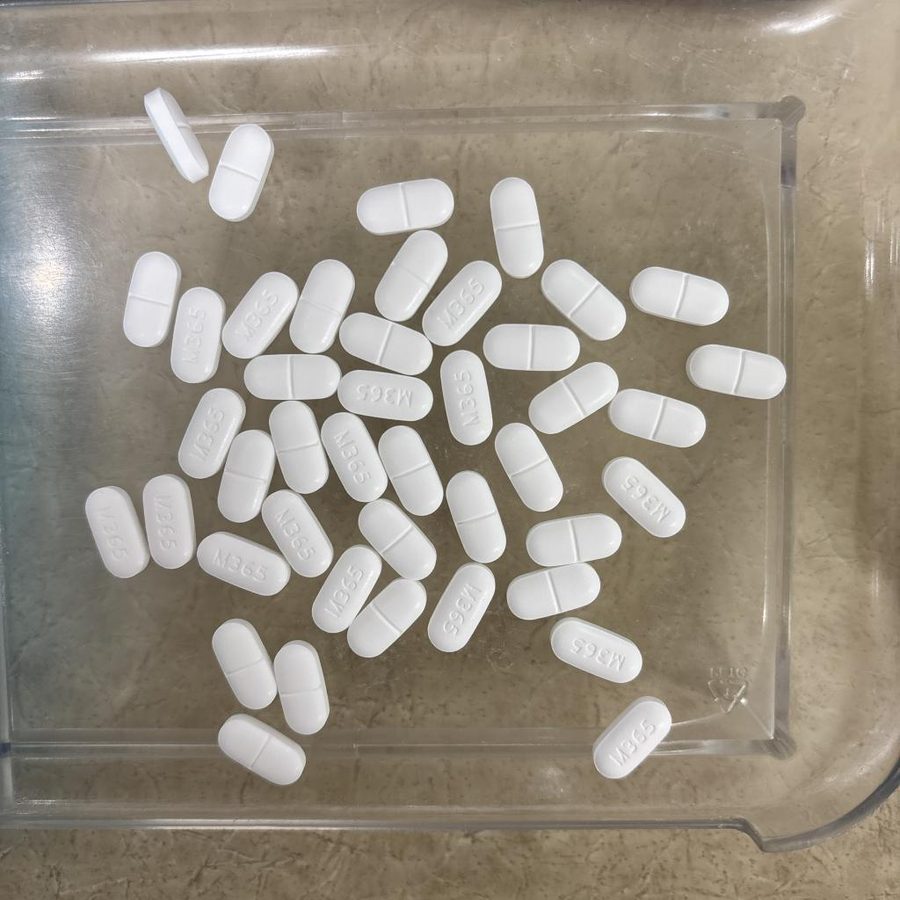
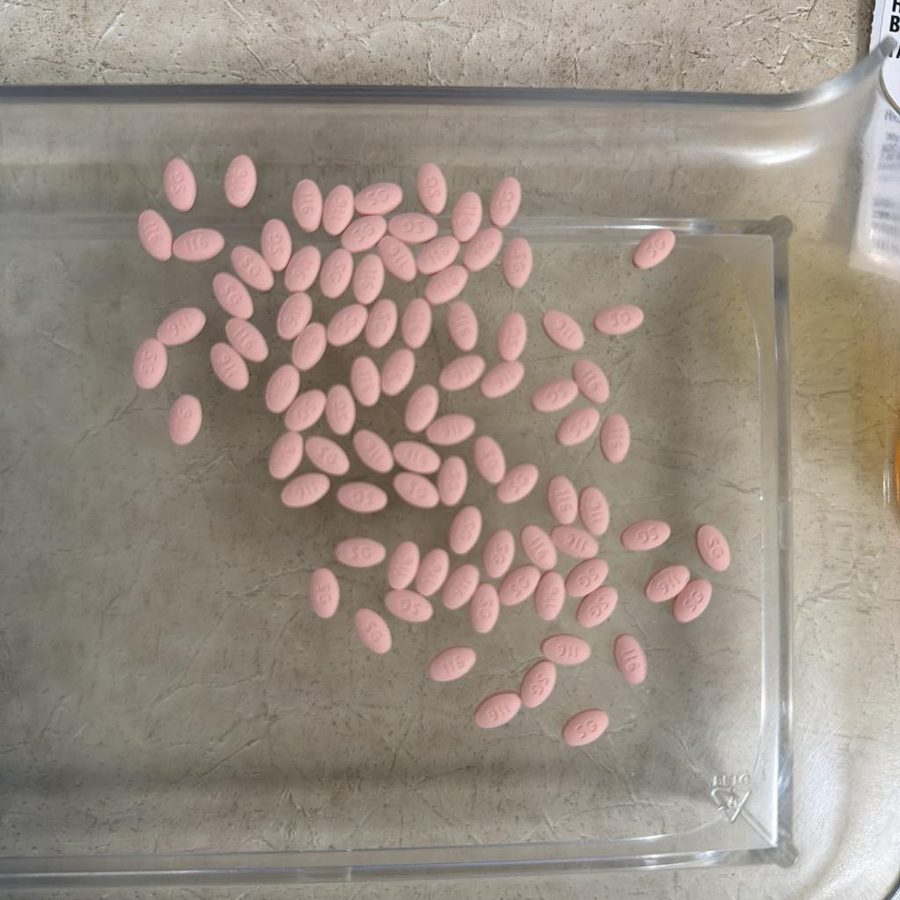
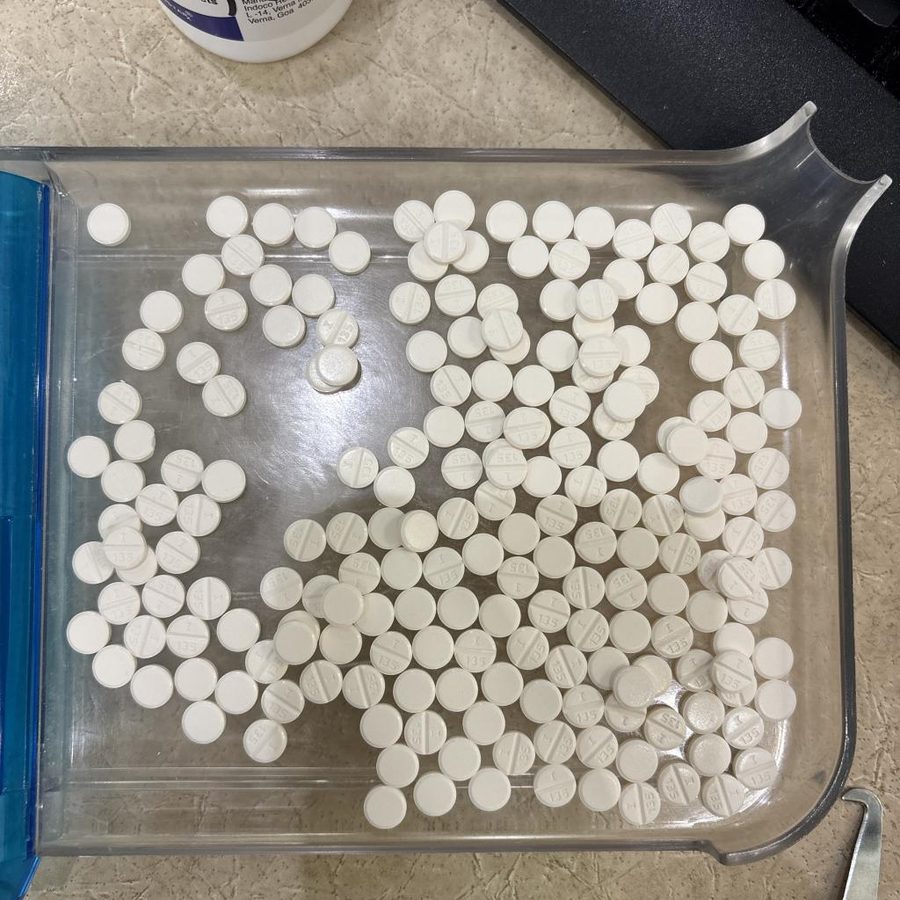
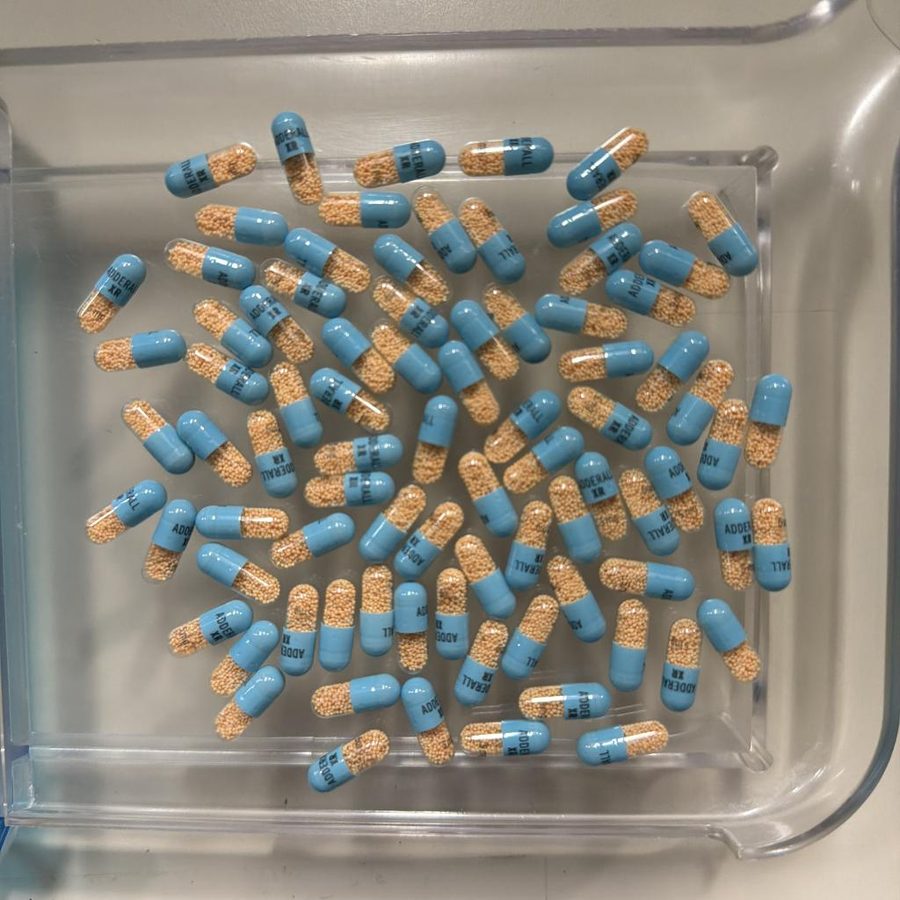
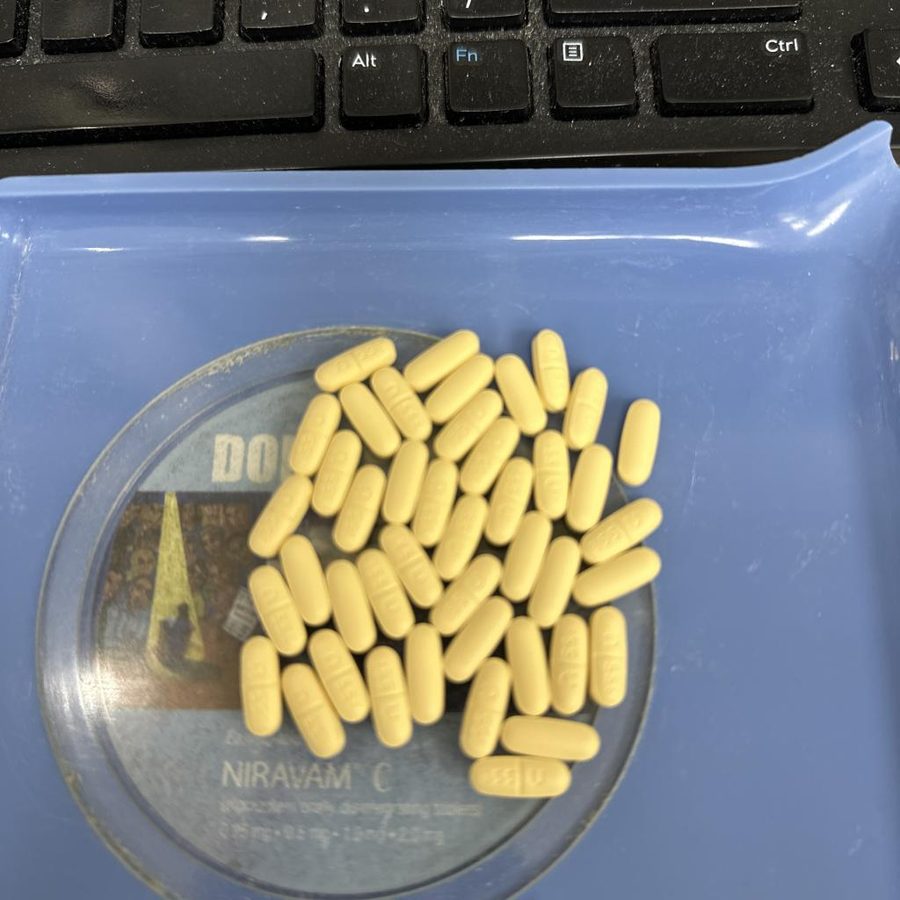
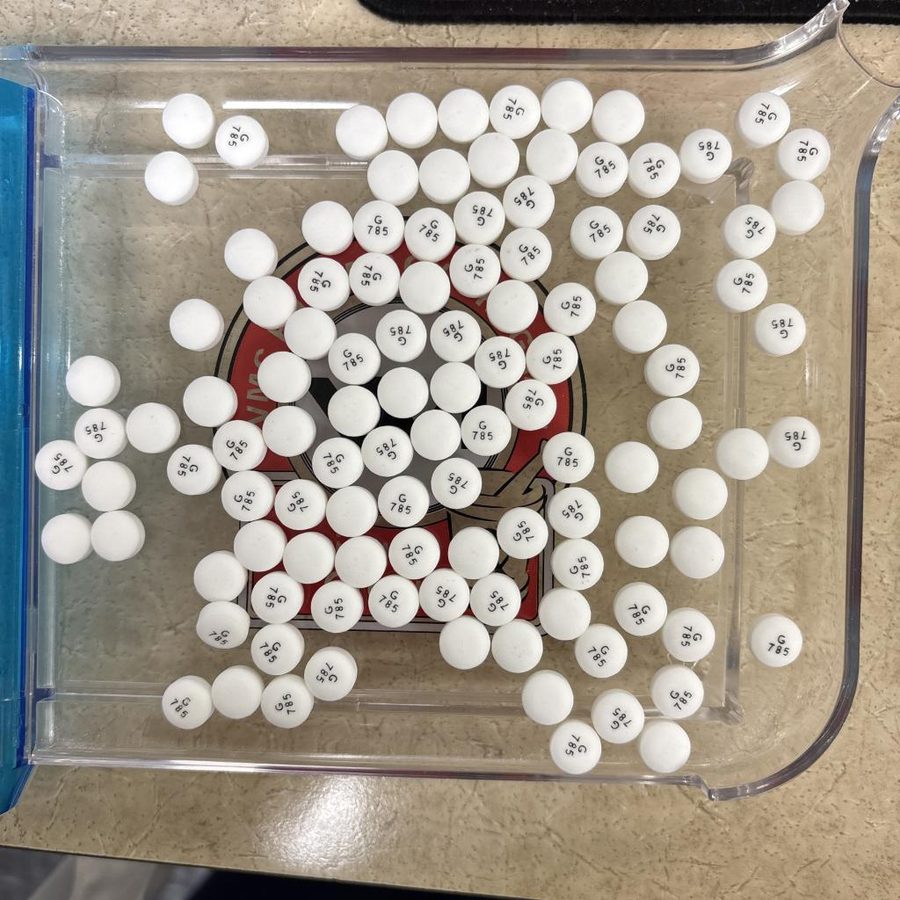
Take the photo the model counts perfectly
Almost every miscount we've seen comes from the photo, not the pills. Flip through real trays from our stores — the model's count versus the true count is on each one.
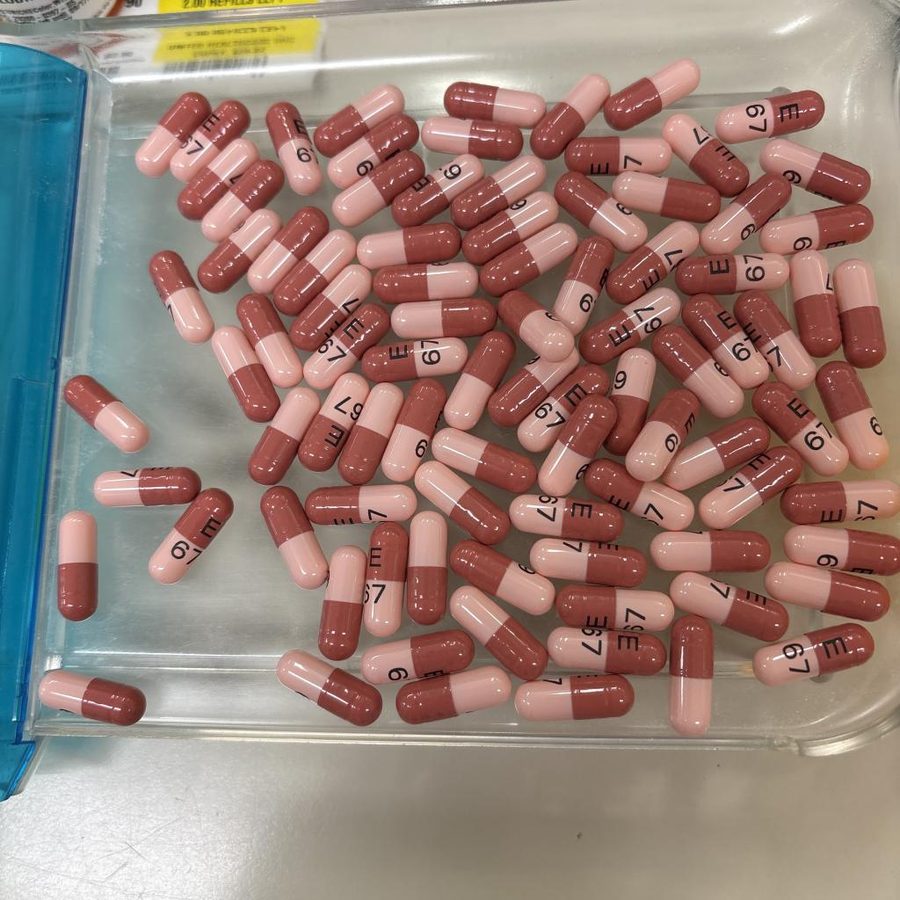
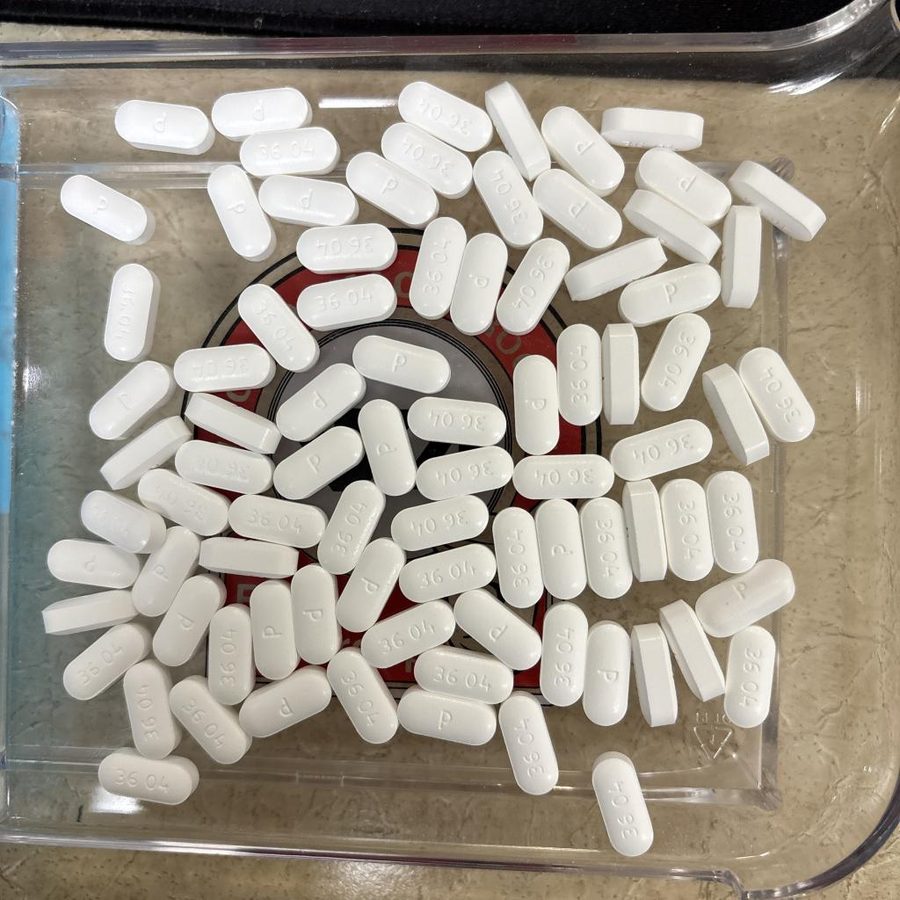
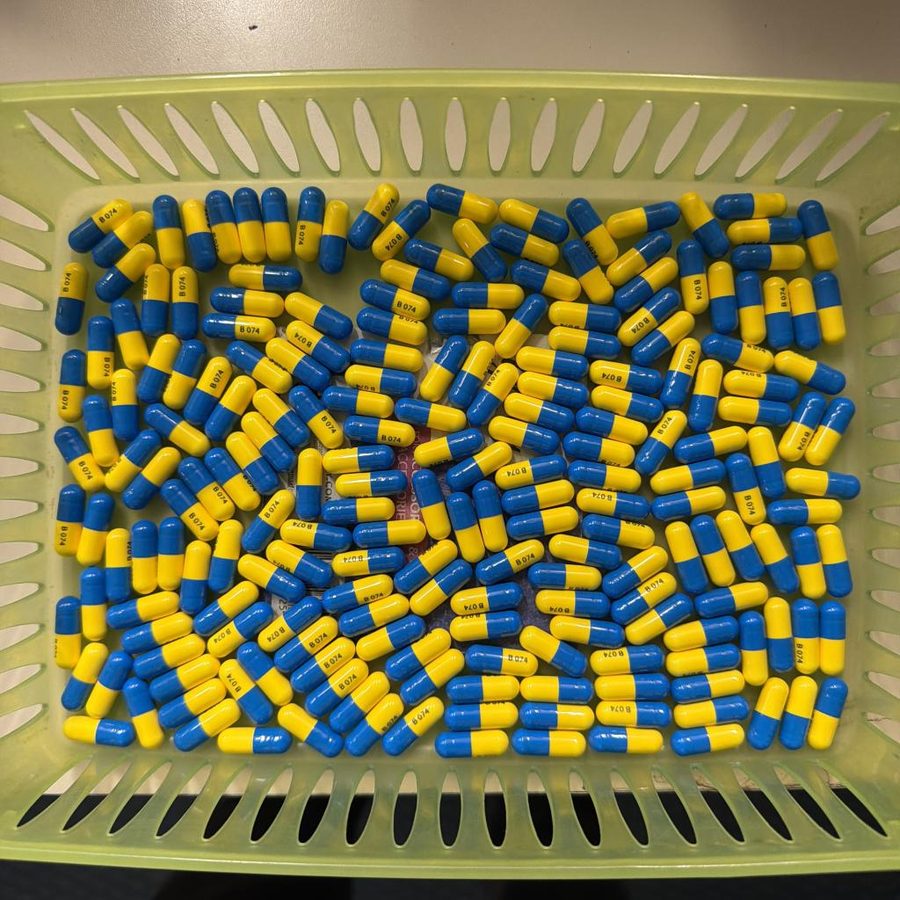
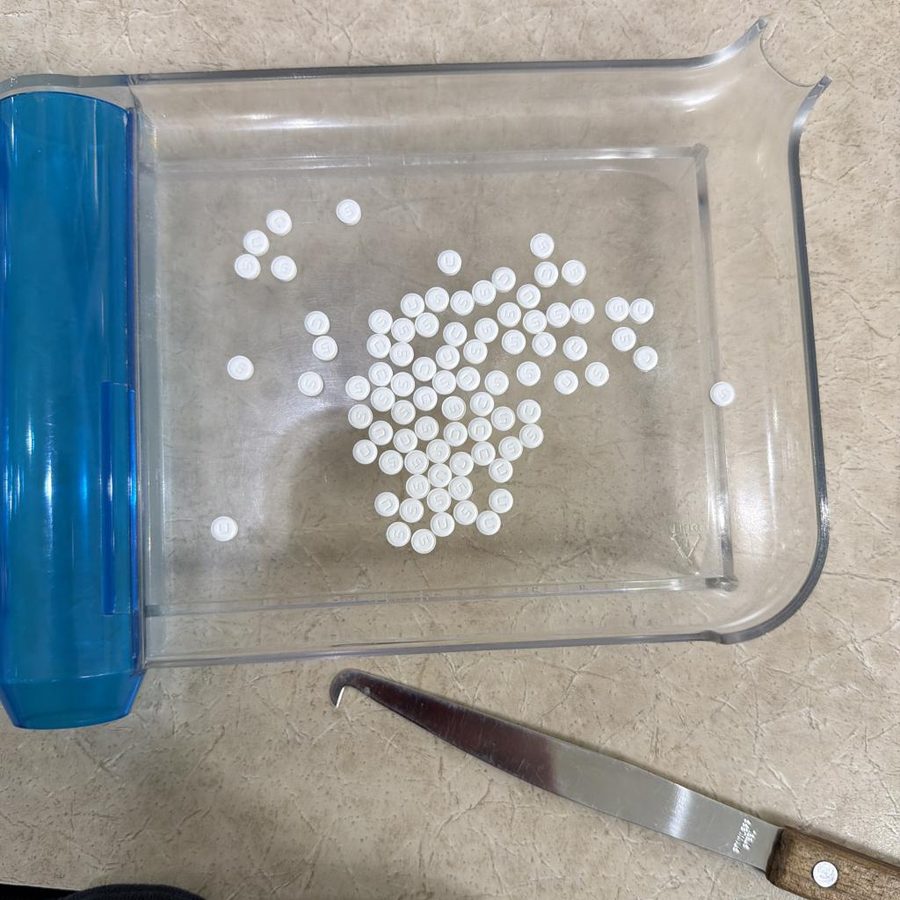
The six habits
- One layer, spread out. Pills can touch; they can't stack.
- Fill the square with the tray. Close enough that each pill is obvious.
- Shoot straight down. Angled shots shrink the far pills.
- Even light, no glare. See a bright reflection? Tilt a little.
- Hold still, let it focus. Blur is the number one cause of a miss.
- Check the dots. One dot per pill. Rings are borderline — look at those first, then fix with − / +.
The same six tips are in the app under ? and in Settings.
Install it (about a minute)
It's distributed through TestFlight, Apple's tool for pre-App-Store apps. It's free, official, and updates itself.
-
1
On your iPhone, open the link
Tap testflight.apple.com/join/8zxJbAyZ or scan the code. If you don't have TestFlight yet, the App Store will offer it — install that first, then tap the link again.
-
2
Tap Install, then Open
Rx Counter appears on your home screen like any app. TestFlight installs updates automatically.
-
3
Allow the camera
It asks once. If you tapped Don't Allow by mistake, the app shows an Open Settings button to fix it.

Why does it say "beta"? Is my phone safe?
TestFlight is how Apple lets organizations hand out apps to their own people without a public App Store listing. The app is signed by Apple, runs entirely on your phone, and has no access to anything except the camera while you're using it. Photos you save go to your own photo library only if you tap Save.
Android?
Not yet. If there's enough demand a web version that runs in any phone browser is the next step — tell Corey.
What happens to the photos?
Each counted tray is also sent (just the tray photo, nothing else) to the training set so the next version of the model gets better at exactly the pills we count.
Inventory mode for the annual C2–5 count
Same camera, plus barcode scanning and a reconcile screen against the EnterpriseRx on-hand. Only relevant during inventory week.
- Scan the bottle's UPC (or type the NDC) to pull the drug from the catalog.
- Full packages × pack size, plus the loose count from the camera.
- Reconcile view flags discrepancies, missing items and unexpected items as you go.
- Export a PDF or submit straight to the office when you're done.
The expected on-hand comes from an Inventory Valuation upload at cs-inventory.cdskc.me. Your PIC has the upload login; the walkthrough is sent out before inventory week.
Wrong count? Weird screen? Tell me.
Every report makes the next version better. The fastest way takes ten seconds.
- Take a screenshot of the result (side button + volume up).
- Tap the screenshot thumbnail, then Share Beta Feedback — TestFlight adds this option to apps it installed.
- Type what the real count was. Send.
Or just text or email:
Ready when you are
Tap below on your iPhone.
Install Rx Counter